Ordering delivery again? Mom saw that.
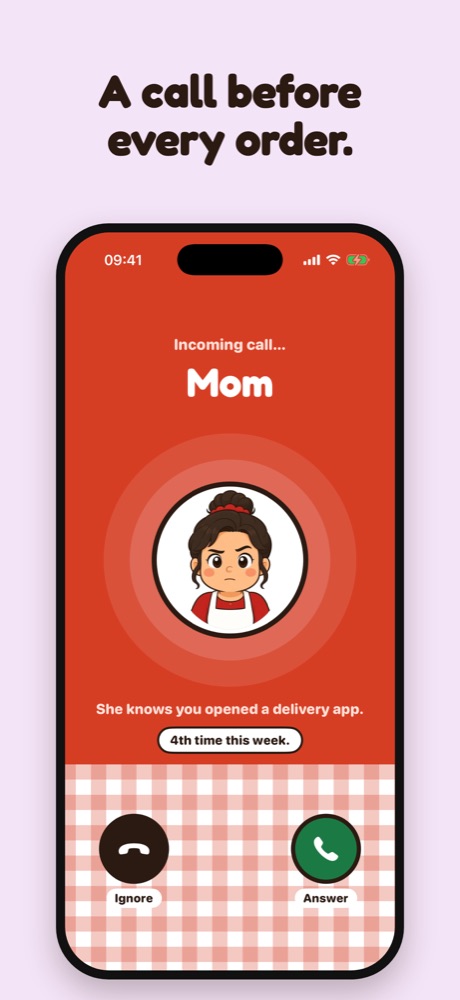
Food at Home blocks the delivery apps you pick. Open one and Mom calls with a quick challenge. Skip the order, keep the money.
Download on theApp Store3-day free trial on the yearly plan. Cancel anytime in your Apple Account.
- Screen Time data stays on your phone
- No account needed
- English and Spanish
Put the phone down. There's lasagna.

Three steps. One very involved mom.

Pick your delivery apps
Choose them with Apple's Screen Time. Delivery websites in Safari get blocked too.

Mom calls
Open one and she steps in with a quick challenge. Every time. Even at 1 AM.

Keep the money
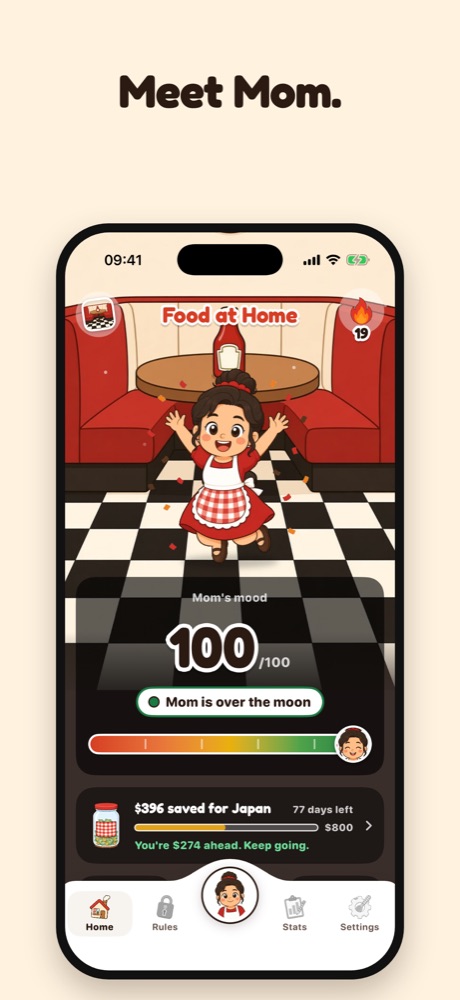
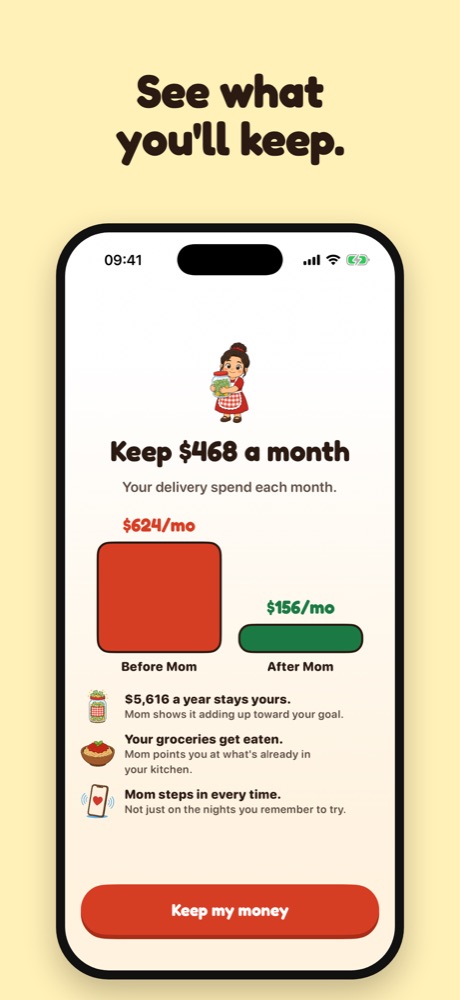
Every order you skip goes to your savings goal. Watch it pile up.
Swipe to see more
Want it? Earn it.
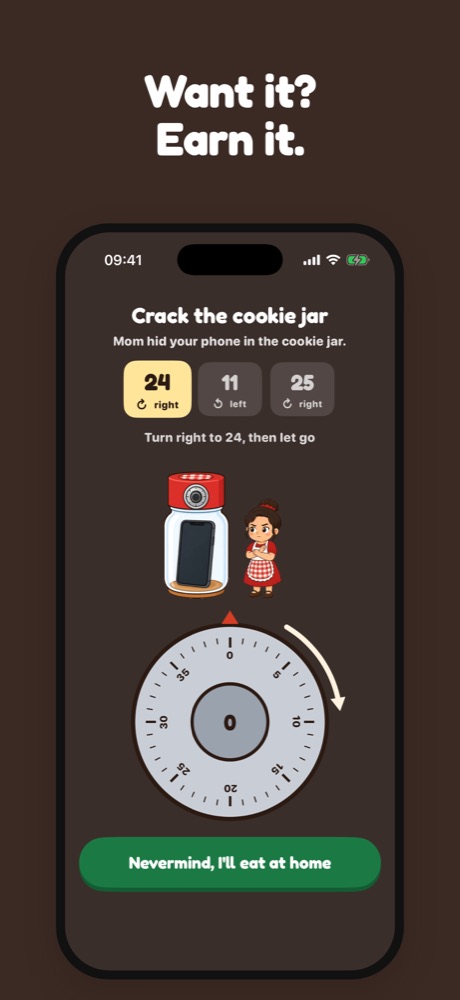
Open a delivery app and Mom picks one of eight quick challenges. Get through it and you can unlock for a few minutes. Or tap “Nevermind, I’ll eat at home.”
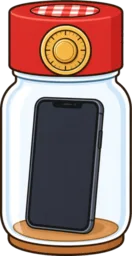
Crack the Cookie Jar
Your phone's in the cookie jar. Turn the dial to the code.

Don't Wake Mom
Slide your phone out from under her. Slowly.
Sign the Receipt
See the real price, then sign for it.

Price Tag Spin
Spin to see what that order really costs you.

Grocery Check
Tap what you have. Mom finds you a meal.

Stir the Sauce
Breathe with Mom while the sauce simmers.

Text from Mom
She texts. You answer.

Mom's Call
She calls. You pick up.

Skip it. Save it.
Name what you're saving for: a trip, rent, a new phone. Every order you skip adds what you would have spent, so you can watch the goal fill up.
- Mom's mood, 0 to 100. Skipping lifts it. Ordering drops it. Staying on pace keeps her smiling.
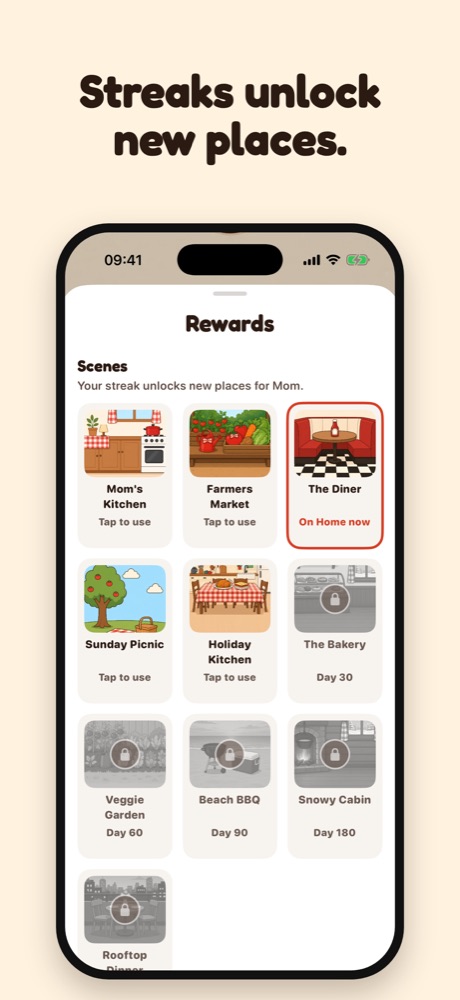
- Streaks that pay off. Keep one going to unlock new scenes and app icons.
- A new look for Mom. Outfits unlock as your savings grow.
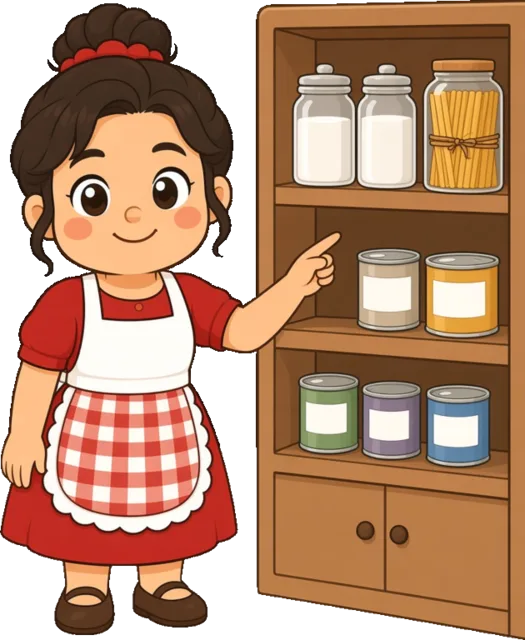
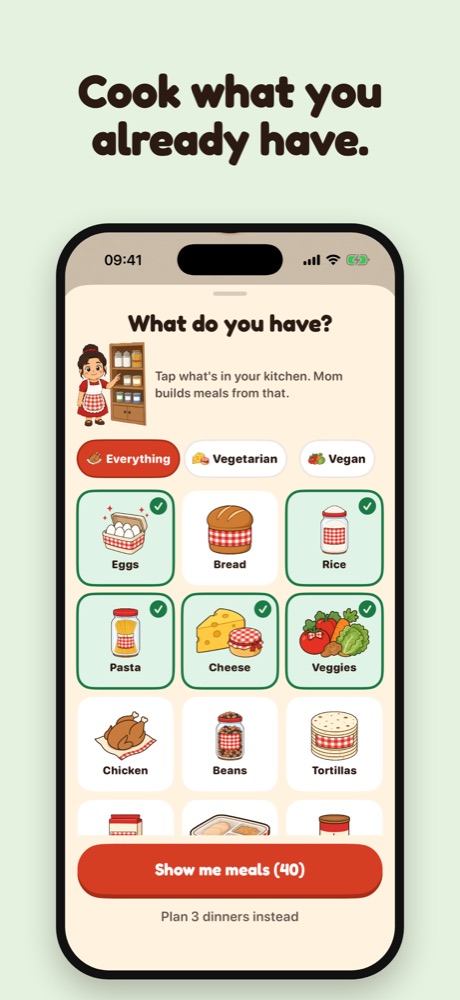
Cook what you already have.
Tap what's in your kitchen. Mom turns it into simple meals, most ready in 15 to 30 minutes. Vegetarian or vegan? Tell her once.
Or let her plan 3 dinners, with a shopping list for whatever's missing.
- Egg fried rice · 15 min
- Bean burrito bowl · 20 min
- Pasta and beans · 25 min
- One-pan chicken and rice · 30 min
Mom thought of everything.
Late Night Mode
No orders late at night. That's when the bad ones happen.
Orders per week
Want one pizza night? Set an allowance. Mom keeps count.
Weekly report card
A grade for your week, every week.
Mom roasts your week
A few honest lines, built from what you really did.
Widgets
Money kept and your streak on your Home Screen and Lock Screen.
Pause
Sick day? Big celebration? Pause Mom for a while.

What happens on your phone stays on your phone.
Food at Home uses Apple's Screen Time to block apps. Apple gives us a sealed token for each app you pick, not its name. We never see your browsing.
- Screen Time data never leaves your phone. Blocking happens on the device.
- No account. No name, no email, no password.
- No ads, no tracking, no selling your data.
- You're in charge. Turn off usage analytics or erase everything in Settings.
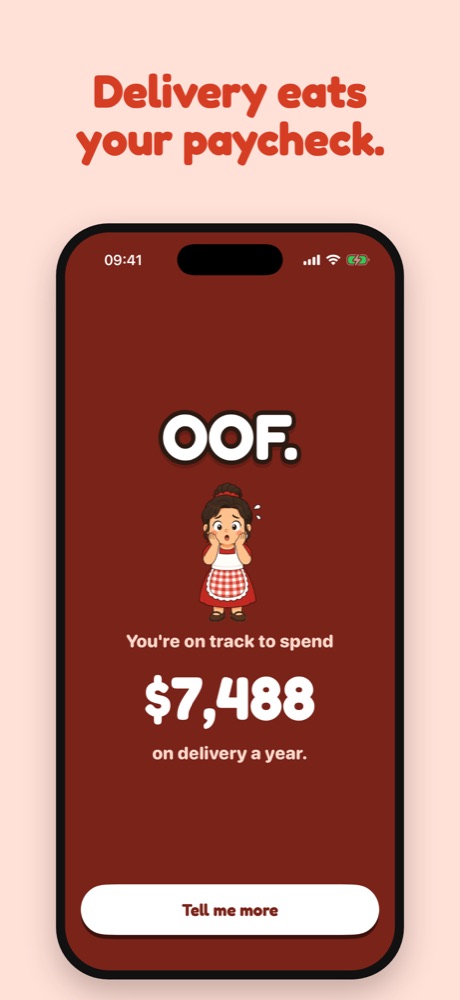
How much do you spend on delivery?
Move the sliders. Mom will wait.
Questions? Mom has answers.
How does Mom block apps?
Food at Home uses Apple's Screen Time. The delivery apps you picked get a block screen. When you open one, Mom steps in with a notification and one of her challenges.
Is my data private?
The apps you pick never leave your phone: Apple doesn't tell us which ones they are. We collect usage analytics under a random ID, never your name or email, and you can turn it off in Settings › Share usage data.
How do I unlock for a bit?
Open the delivery app and answer Mom. After her challenge you can unlock for a few minutes. She won't offer it during Late Night Mode or once this week's orders are used up.
How do I cancel?
Settings › Manage subscription opens Apple's subscription page, where you can cancel any time. You can also cancel in the iOS Settings app under your Apple Account › Subscriptions.
Mom's waiting by the phone.
Download Food at Home and skip your next order. She'll be thrilled.
Download on theApp Store